Get inquiries · 4-minute read · 742 words
A new inquiry should start a conversation—not disappear into an inbox.
A good website invitation helps the right person take the right next step. A useful intake process helps your team turn that interest into a real conversation.
Imagine this · Hypothetical scenario
Imagine a landscaping business offering both regular garden care and larger redesigns. Its website has one button: Contact us. A homeowner writes “How much?” with no location or project details. The message lands between supplier emails, and nobody knows who should answer. The website collected a message, but the business still has to rebuild the conversation from scratch.
Where the confusion starts
The problem is not always a lack of visitors. Sometimes the invitation is too vague, the form asks the wrong questions, or follow-up depends on someone remembering an email. A quote request, consultation request and newsletter signup serve different needs. Choosing the easiest form to build can leave the customer unsure what happens next—and leave your team without enough context to help.
A message arrives with no clear owner.
- Invitation
- Contact us
- Record
- Email only
- Next step
- Unclear
A request arrives with context and a follow-up step.
- Invitation
- Request a quote
- Record
- Service and area
- Next step
- Assign and follow up
What you can do yourself
Start with the customer’s next useful step. Make one practical change, test it yourself, and keep a record of what happens.
1. Match the invitation to the decision
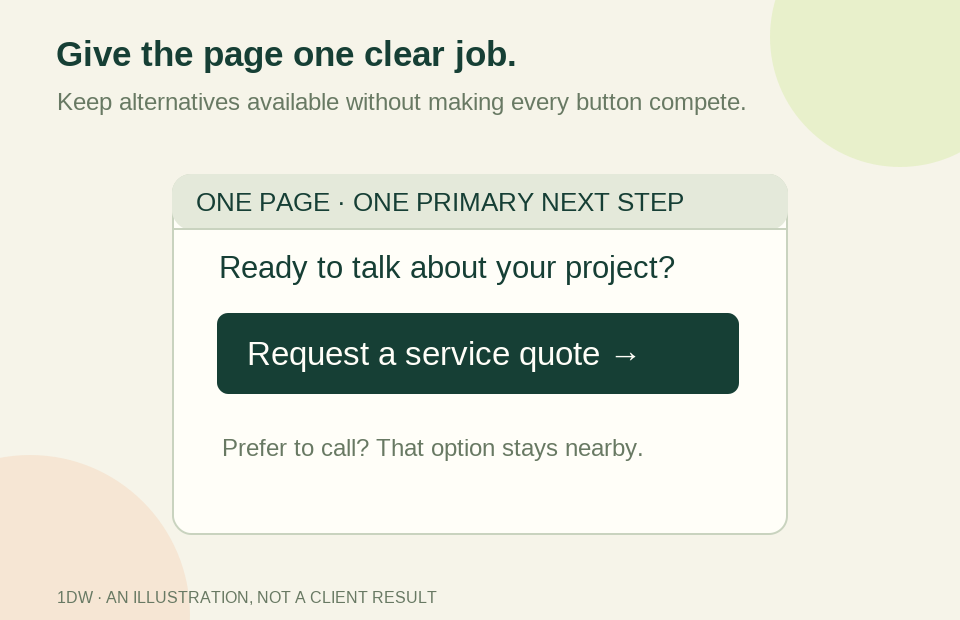
Use Request a quote when you need project details before discussing price. Offer Ask about availability or Request a consultation when a conversation comes first. Use Book an appointment only when the system really reserves a time; an appointment request still needs confirmation. A short contact form works for general questions. A guide signup helps someone learn before buying, but should not be treated as a sales appointment.
2. Ask only what makes the first reply better
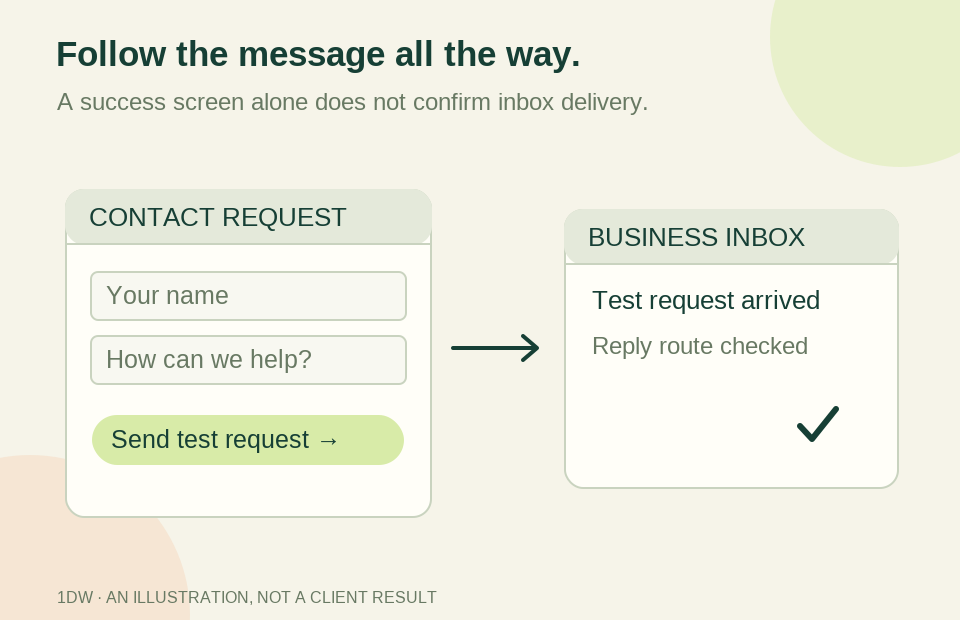
Start with a reliable way to reply and one or two useful questions, such as service type or location. Make a name optional when you can help without it. Explain when and how you normally respond, using a promise your team can keep. Test the form on your phone, submit a clearly labeled test and check both the confirmation and where the request arrives.
3. Give every real inquiry a next step
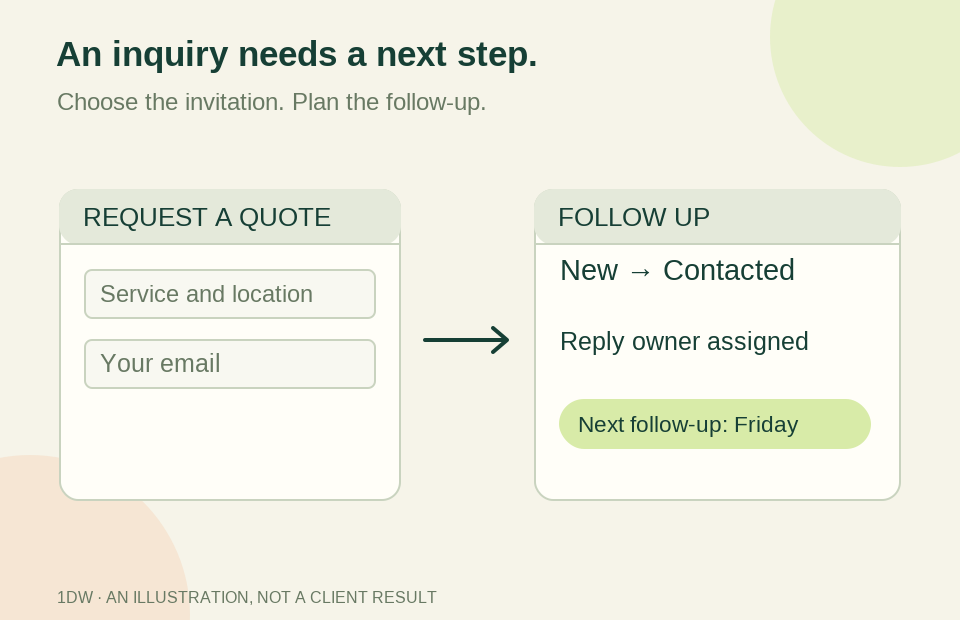
Even a shared spreadsheet can record received date, service, status, responsible person and follow-up date. Separate new, contacted, waiting and closed requests. Review open requests regularly rather than treating a sent notification as proof that someone replied. Mark spam and test records so they do not inflate your picture of demand.
An example you can adapt
For that landscaper, Request a garden-care quote could ask for email, area and the kind of help needed. A separate Discuss a garden redesign invitation could lead to a consultation request. The confirmation explains the next step; it does not pretend that a quote or appointment has already been approved.
How 1DW can help
1DW can help choose the invitation, simplify the intake and connect the agreed form to a useful follow-up process. The portal’s Website leads workspace supports connected inquiry and appointment-request records, searchable views, statuses, notes, follow-up dates and exports. These controls are available for Basic and Pro; an existing form must be connected and tested before its inquiries appear. They are not automatically a complete record of calls, bookings or sales. Basic focuses on reliable agreed forms, maintenance and requested improvements. Pro adds scoped proactive investigation, prioritised improvement recommendations and follow-up evaluation when the evidence supports it. Additional workflows or external CRM connections require an agreed scope; choosing Pro does not silently connect every tool.
What to avoid
Do not promise an instant quote when a person still needs to assess the job. Do not collect sensitive details just because a field is available. A request received is not a customer won, and a notification delivered is not a follow-up completed. A broken form is a maintenance issue—not a reason to demand an upgrade.
Keep this useful
Read status is a choice you record yourself. Reading and sharing are free; client sign-in keeps your saved items and preferences together. We don’t store anonymous reading history in your browser.
See a clearer direction for your business.
Start for free. No credit card required. Your plan and any additional work are agreed before implementation.
Explore my free website preview ↗︎Read and share: https://1-daywebsites.com/resources/articles/choose-a-cta-that-starts-business