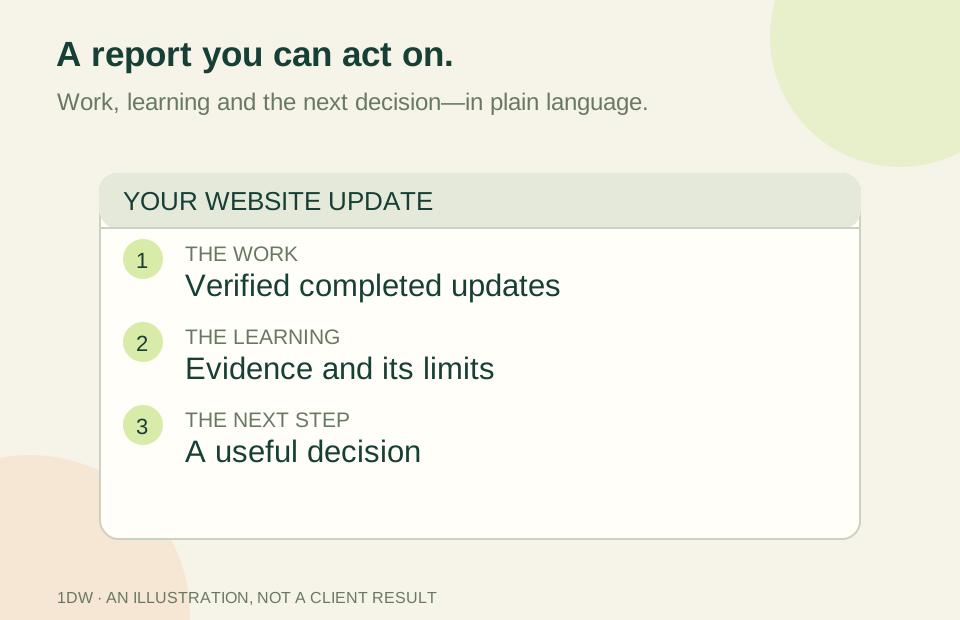
Your website report shows visits, page views, clicks and percentages. Which number tells you whether the website is helping the business?
There is no single answer for every company. A restaurant may want suitable event inquiries. A contractor may need projects within its service area. A professional adviser may care about consultations that match the work they offer. Useful analytics begins with that objective, then separates early signs of interest from confirmed business outcomes.
The problem: different numbers describe different steps
A visitor is not a lead. A click on an email link does not establish that a message was sent. A completed request does not prove the person is suitable for the service, and a checkout page is not a verified payment.
Reports become confusing when these distinctions disappear. The website may appear successful because traffic rises while staff receive more unsuitable requests. Or a small number of well-matched inquiries may be overlooked because a larger, less useful number attracts attention.
Why it matters
The wrong measure can encourage the wrong work. Buying more traffic will not fix unclear service boundaries. Changing a button will not solve a follow-up process that leaves inquiries unanswered. A useful report helps identify where attention belongs rather than simply showing activity.
Measurement also has limits. Browser settings, consent choices, blocking tools and different devices affect what traffic analytics can observe. Missing information should be described as unavailable, not quietly converted to zero or treated as proof someone abandoned the process.
The solution: use a short measurement chain
Start with a few distinct steps: people reaching the relevant page, people taking an intended action, confirmed inquiries, suitable opportunities and verified customers or payments. Decide which system can establish each step.
Google Analytics uses events to describe interactions. Its event setup guidance explains that event data becomes part of its reports. Your business records still need to establish facts such as a received inquiry, a qualification decision or a settled payment. Do not expect one browser report to replace those records.
For a hypothetical event-services business, an inquiry form submission might be a useful website conversion. Staff then check the date, location and scope before marking it qualified. An eventual payment belongs to a later step. Comparing those stages can reveal a problem worth investigating without claiming the website alone caused the sale.
Five practical recommendations
- Choose one business objective. Write down the customer action and what makes it useful. “More activity” is too vague to guide a decision.
- Define the measures in plain language. Label call-link clicks as clicks, appointment requests as requests and payments only after verification. Keep the definitions with the report.
- Check collection before interpreting a trend. A missing tag, failed integration or consent change can affect the numbers. An ID saved in a settings screen is not proof that data is being received.
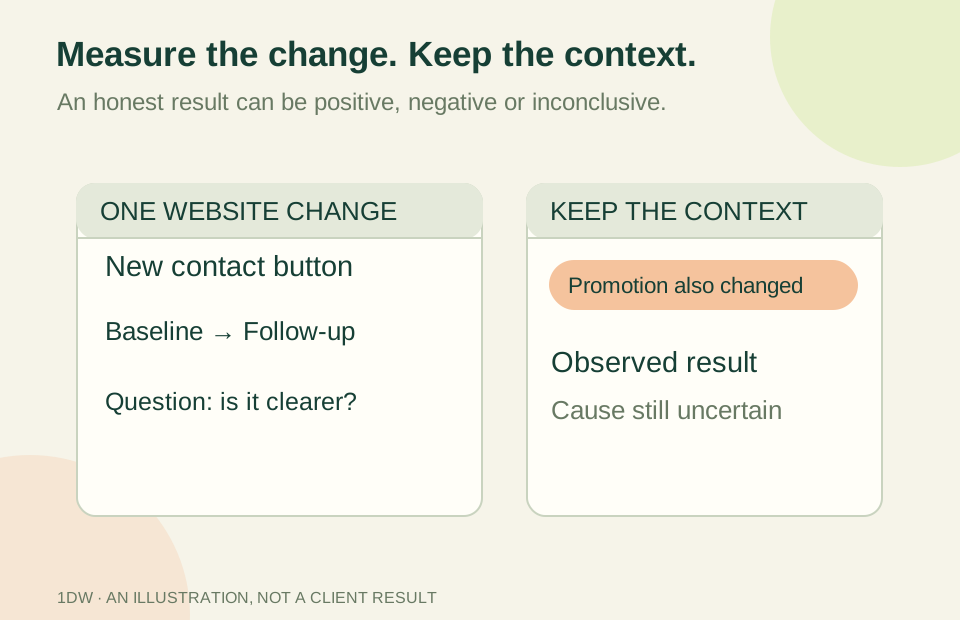
- Compare like with like. Consider time period, season, campaign and business capacity. Small samples and changes in the offer can make a percentage unstable or misleading.
- Connect the report to one action. Investigate a confusing step, improve a page or clarify a form. Record what changed and allow a reasonable observation window rather than declaring an immediate win.
Avoid putting names, contact details, form answers or access tokens into Google events. A useful measurement plan does not require exposing the substance of a customer's inquiry.
How 1DW approaches it
1DW separates a request for analytics setup from a verified installation and a working report. Confirm which measurements have actually been configured for your project. Additional reporting integrations and conversion tracking need their own implementation and checks; this article does not establish that they are active on your website.
Visitor trends and acquisition-channel reporting are not connected merely because a Measurement ID has been entered. The client-owned Google property, permissions, consent behavior and actual event receipt need verification. A report should clearly distinguish what is configured, what is recorded and what is still unavailable.
Your next step
Choose one recent reporting number and ask what it proves, what it does not prove and where the underlying fact is recorded. Then select one business question you want the next report to help answer. That is a better starting point than adding another chart.